
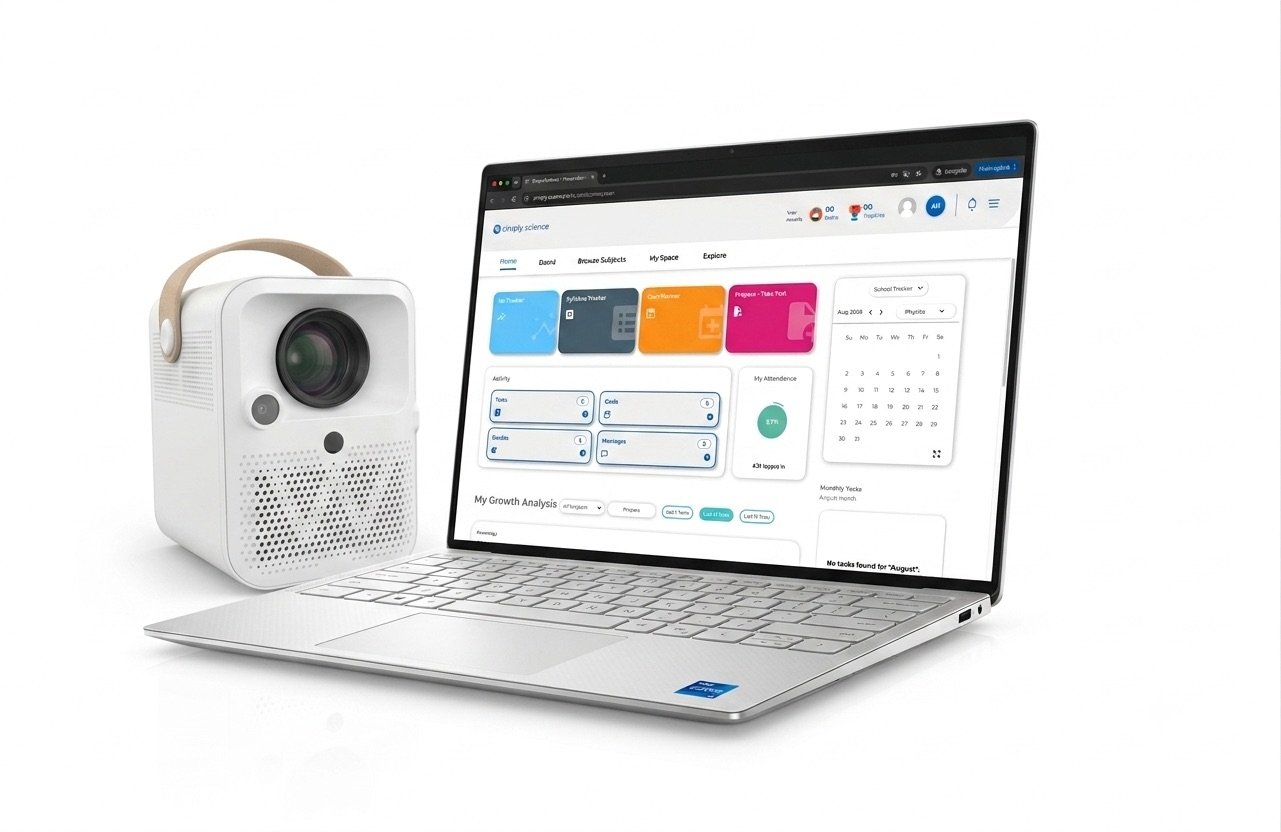
When connected to a Windows laptop via the dual-cable setup (HDMI + USB Type-C), you unlock MultiBoard—an enterprise-grade teaching suite that transforms standard desktop applications into an immersive, interactive classroom experience.
Integrate these contextual links naturally into the introduction:
- Review the unboxing specs in the WBiPro System Overview & Quick Start Guide.
- Need to connect a laptop? Check out the WBiPro Setup Guide.
- Ensure your ePen is tracking accurately on Windows with the Windows WBiPro ePen Calibration Guide.
Core MultiBoard Features
The native Android whiteboard operates completely offline with instant start capabilities, requiring zero external PCs or complex boot-up sequences. It turns any wall into an interactive workspace instantly.
1. Smart Non-Destructive Document Annotation & Layering†sim
Teach directly from existing textbooks and past exam papers without ruining your original PDF or PowerPoint master files.
- Re-Editable Vector Annotations: MultiBoard saves your handwritten notes, solutions, and diagrams as a separate, editable layer over the PDF—never flattening or destroying the original document.
- Pick Up Where You Left Off: Save an annotated PDF during Period 1, re-open it in Period 2, and selectively edit or erase previous notes with the ePen while keeping the underlying textbook 100% pristine.
- Infinite Reusability: Clear all annotations with a single tap to present the original document as a fresh, clean worksheet for the next class or academic year.
2. Pre-Integrated Interactive Classroom Micro-Apps
As seen in the comprehensive MultiBoard application environment, teachers get a full suite of pre-installed teaching utilities:
- Magnifier Tool: Instantly zoom in on detailed map coordinates, science diagrams, or fine print so students in the back row never miss a detail.
- Integrated Timer & Stopwatch: Keep group activities, practical experiments, and timed quizzes strictly on schedule directly on the main display.
- Embedded Web & Media Player: Pull up online references via the integrated browser or drop local video files onto the board without leaving your active lesson canvas.
3. Built-In Geometry & Measurement Suite
- Interactive Compass: Anchor a center point and draw perfect, scalable circles of any radius with the ePen.
- Digital Protractor: Measure and demonstrate angle relationships directly on projected shapes.
- Adjustable Triangle & Ruler: Draw precise straight lines, parallel angles, and geometric proofs effortlessly.
Frequently Asked Questions
What is the MultiBoard software suite for the WBiPro projector?
MultiBoard is an enterprise-grade teaching suite designed for Windows laptops that transforms standard desktop applications and PDFs into an interactive classroom experience via a 1-cable or dual-cable setup.
Will annotating PDFs on MultiBoard permanently alter my original files?
No. MultiBoard utilizes a non-destructive vector annotation layer, meaning your handwritten notes and markups sit on a separate editable layer while keeping the underlying textbook or PDF 100% pristine.
What teaching micro-apps are included in the Windows MultiBoard suite?
The suite includes a digital magnifier for zooming into diagrams, an integrated timer and stopwatch for quizzes, an embedded web/media player, and a complete geometry suite featuring a digital compass, protractor, and rulers.