
Worksheets provide structured practice to reinforce core science concepts and evaluate student comprehension. On the Simply Science Teacher Portal, teachers can quickly access topic-specific worksheet banks and review built-in answer solutions to support classroom activities, homework review, and formative assessments.
Quick Summary
Locate the Worksheets icon in your lesson toolbar to open topic practice sheets and access step-by-step answer solutions for guided instruction.
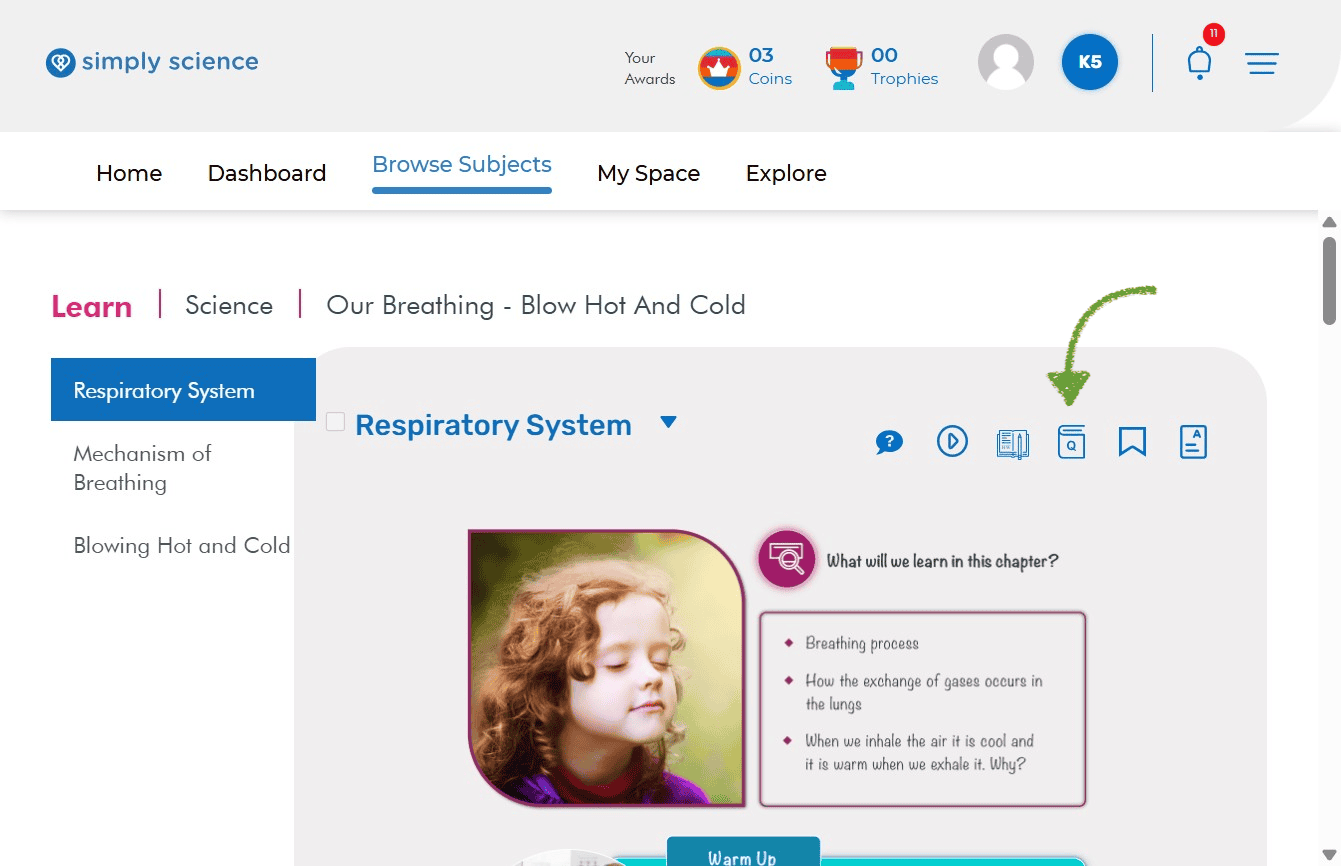
Step 1: Accessing the Worksheet
Navigate to your active topic page to access the available worksheet resources for that lesson module.
Action: Click the Worksheets Icon (represented by a book icon with a “Q”) located near the top-right corner of your topic page alongside the other lesson tools.
What you will see: A list displaying all available practice worksheets assigned to your selected topic.
Purpose: Opens the topic’s dedicated worksheet bank for lesson planning and classroom practice.
Navigate to the specific topic page where you require offline practice materials.
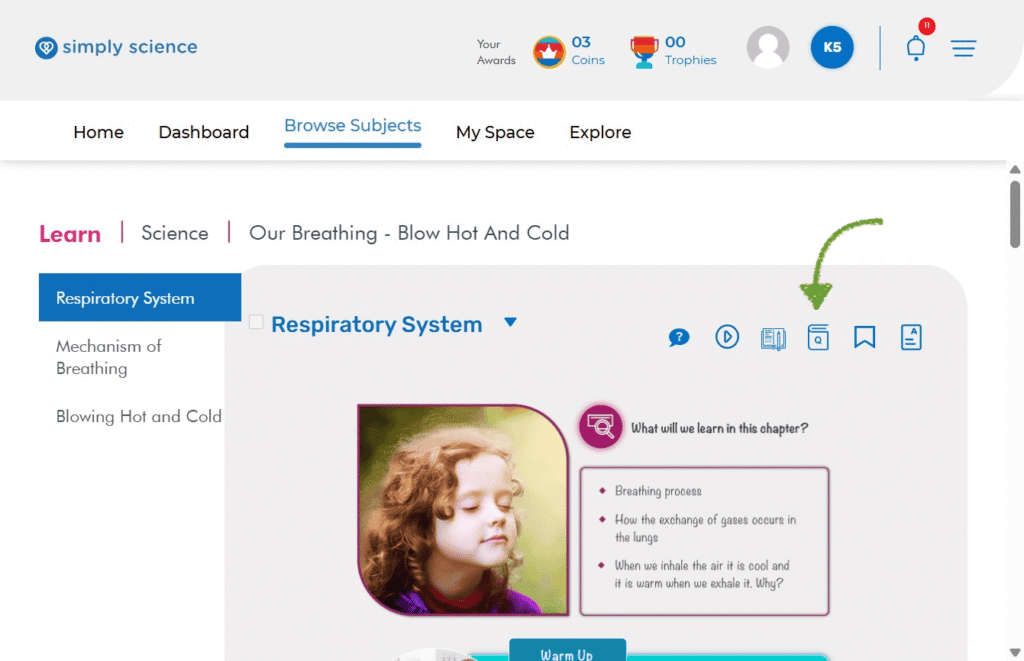
Step 2: Access the Worksheet Tab
Review answers and step-by-step explanations to guide student corrections or prepare lessons.
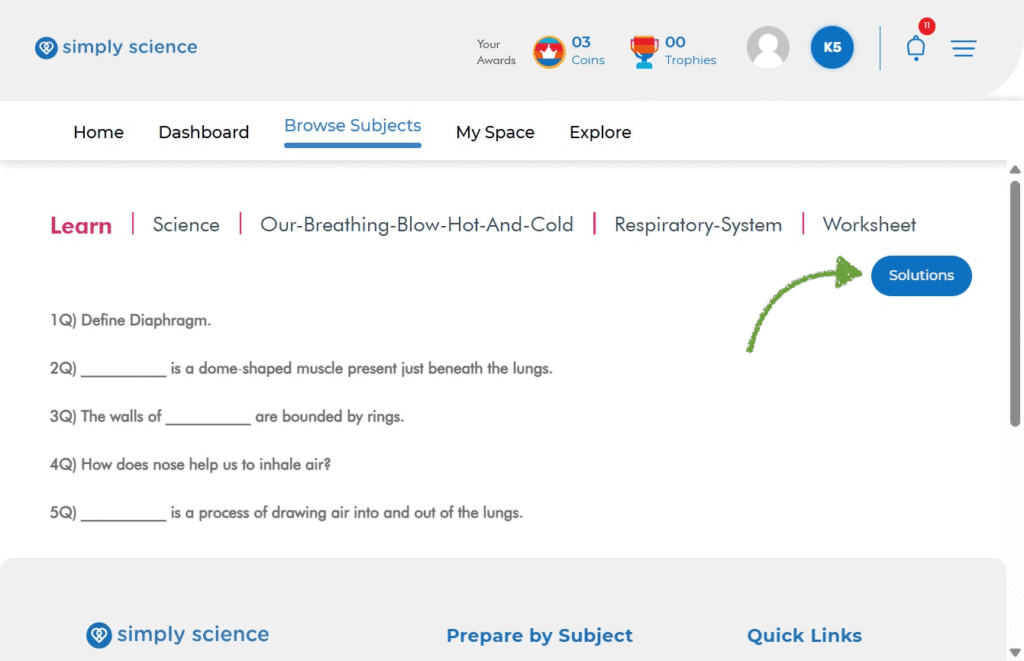
Action: Click on the blue Solutions button to open the solutions for the selected worksheet.
What you will see: The correct answers and solutions for the worksheet questions will be displayed.
Purpose: This allows you to review the worksheet solutions and discuss the answers with students.
📌 Educator Note: Displaying worksheet solutions during whole-class review allows students to identify and correct misconceptions in real time before moving on to graded assessments.