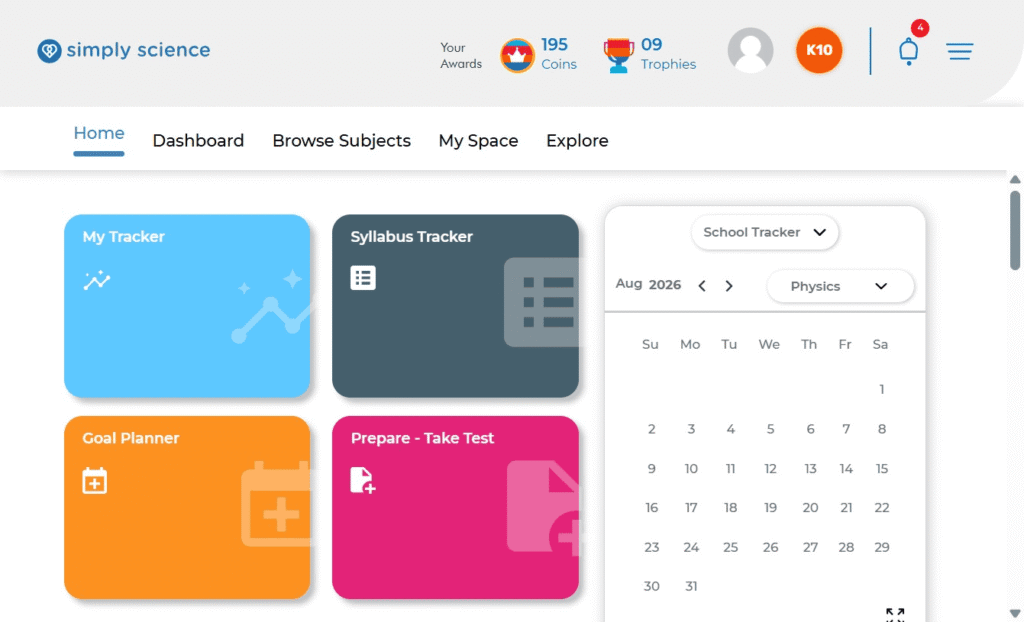
Accessing Simply Science is straightforward from any Wi-Fi-enabled device (Mac, PC, tablet, or smartphone).
Quick Summary:
Learn how to navigate to the platform, authenticate your account, and launch your personal dashboard.
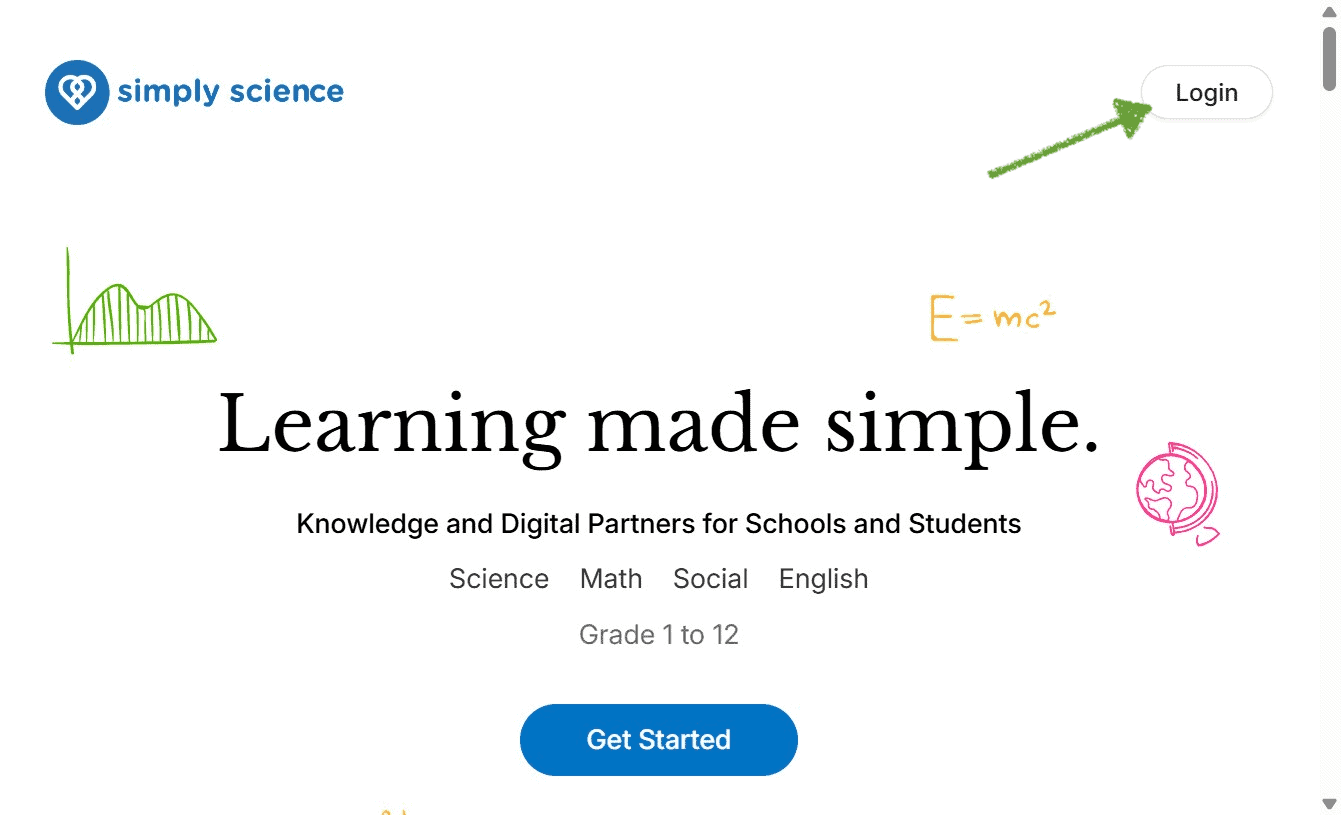
Step 1: Navigate to the Platform: Supported on any modern web browser
Open your preferred web browser or app and go to the specific domain that you received from your school.
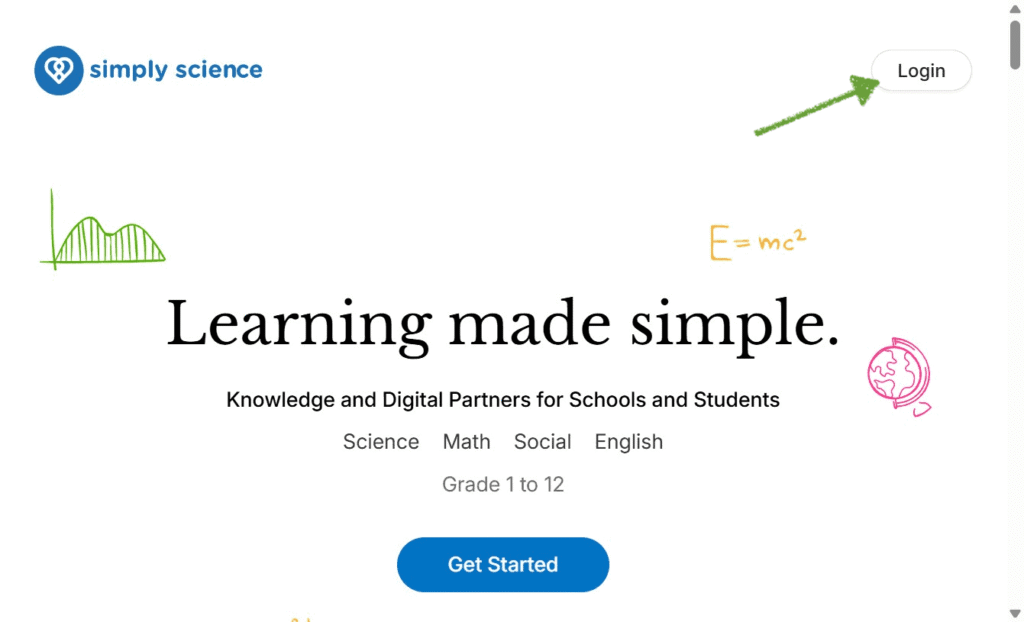
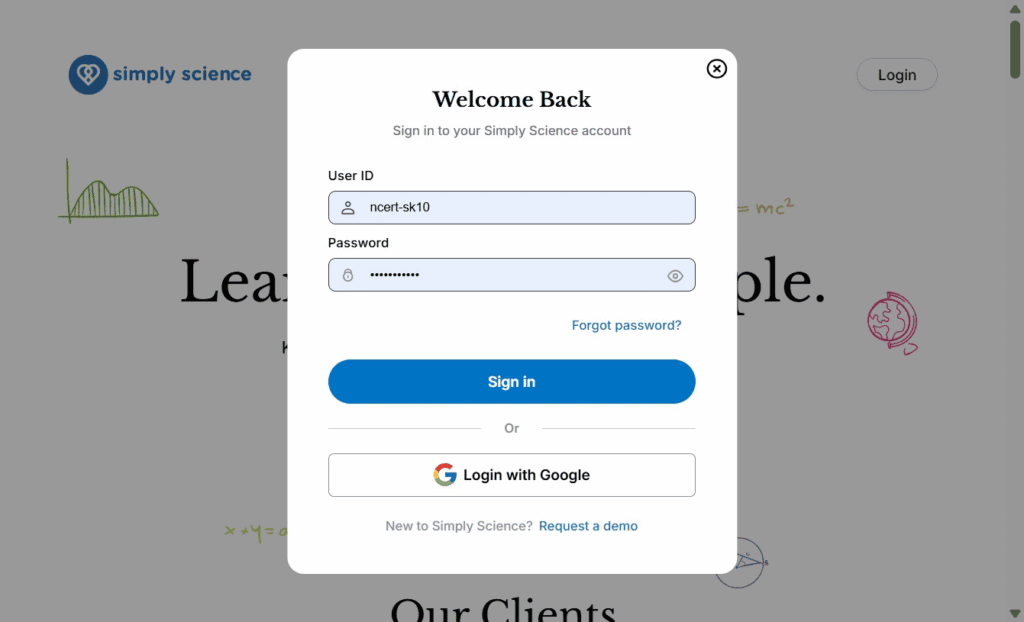
Step 2: Enter Your Login Credentials
Click Log In. Enter your registered Username / Email Address and Password provided by your school administrator.
Classroom & Mobile Note: Simply Science is optimized for all Wi-Fi-enabled devices. You can log in from a tablet or laptop during class or continue seamlessly from a mobile phone at home.
Step 3: Access Your Dashboard
Click Sign In to land on your Home. This is where you can your command center for courses, live sessions, and progress tracking.