
Ready to show off what you know? Completing practice exercises is the best way to test your brain and become a science superstar!
Follow these easy steps to open your exercise sets and start answering questions.
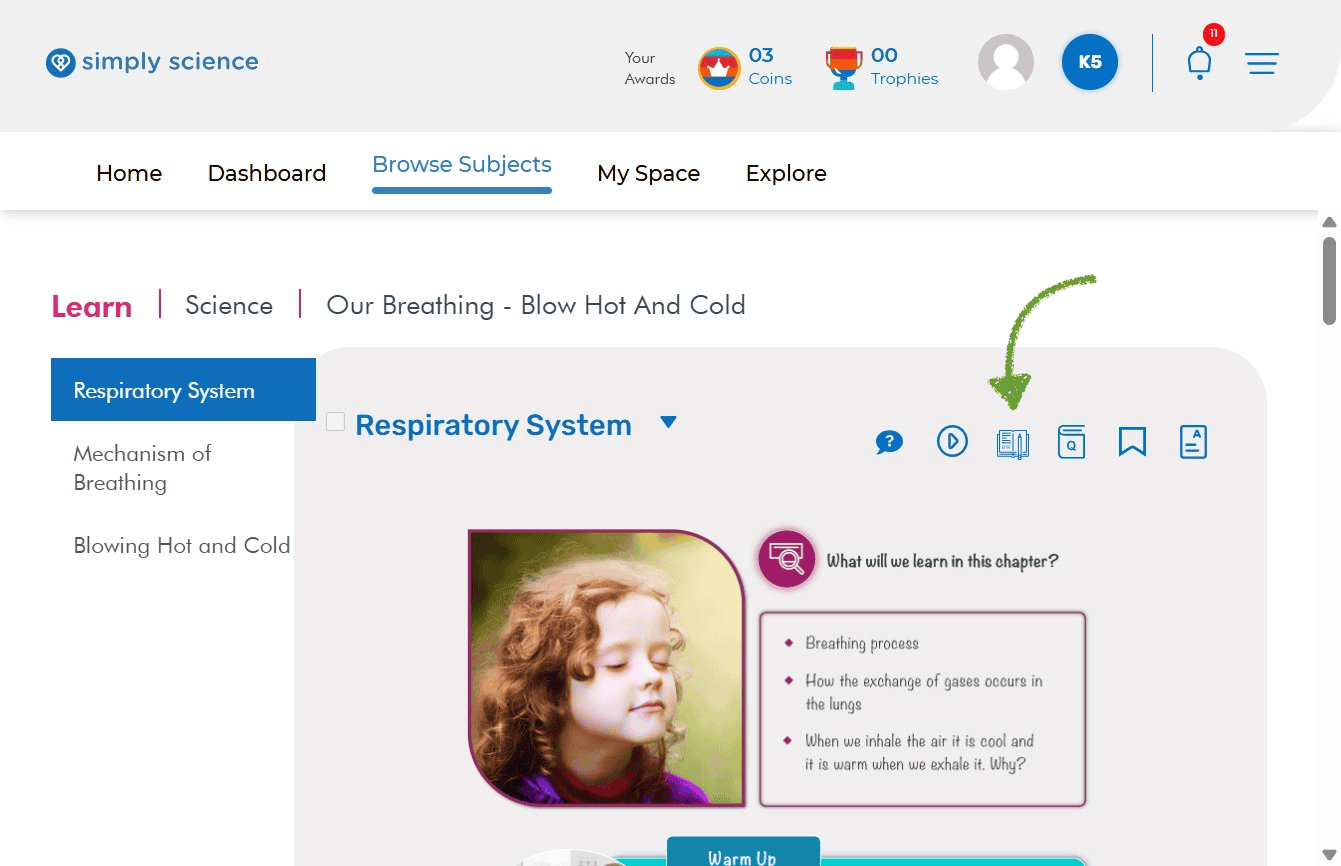
Step 1: Click the Exercises Icon
When you are on your topic page, look at the top-right corner near your topic title. Click the Exercises Icon (the blue notebook with a pencil).
Action: Click the Exercises icon.
What you will see: A list of practice exercise sets linked directly to your topic!
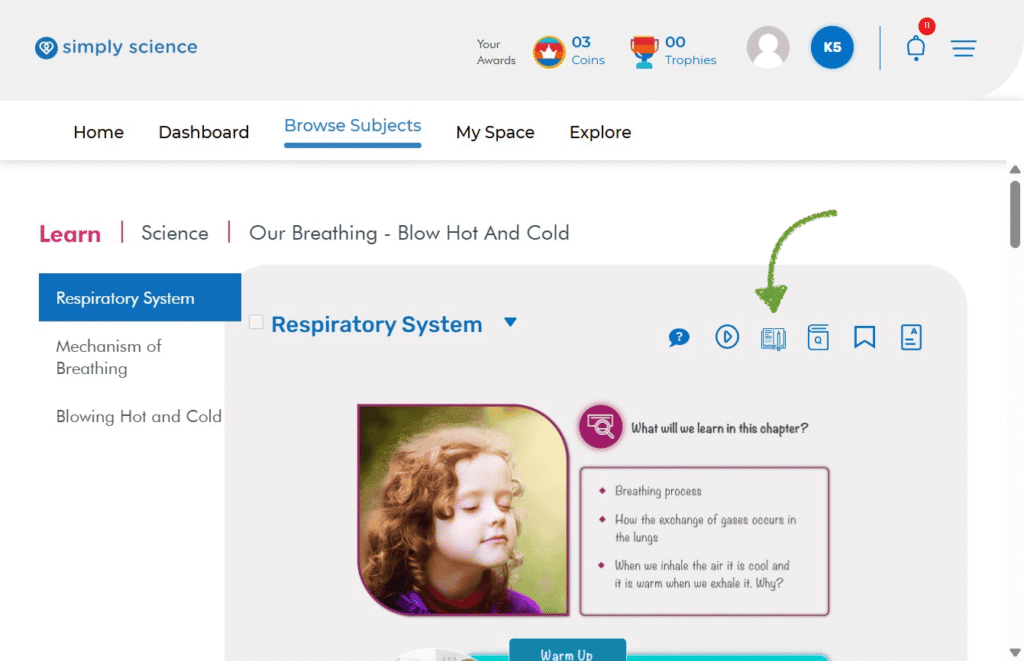
Step 2: Select Your Exercise Set
Now it is time to open your practice questions!
Action: Click on the topic exercise link (for example: Respiratory-System).
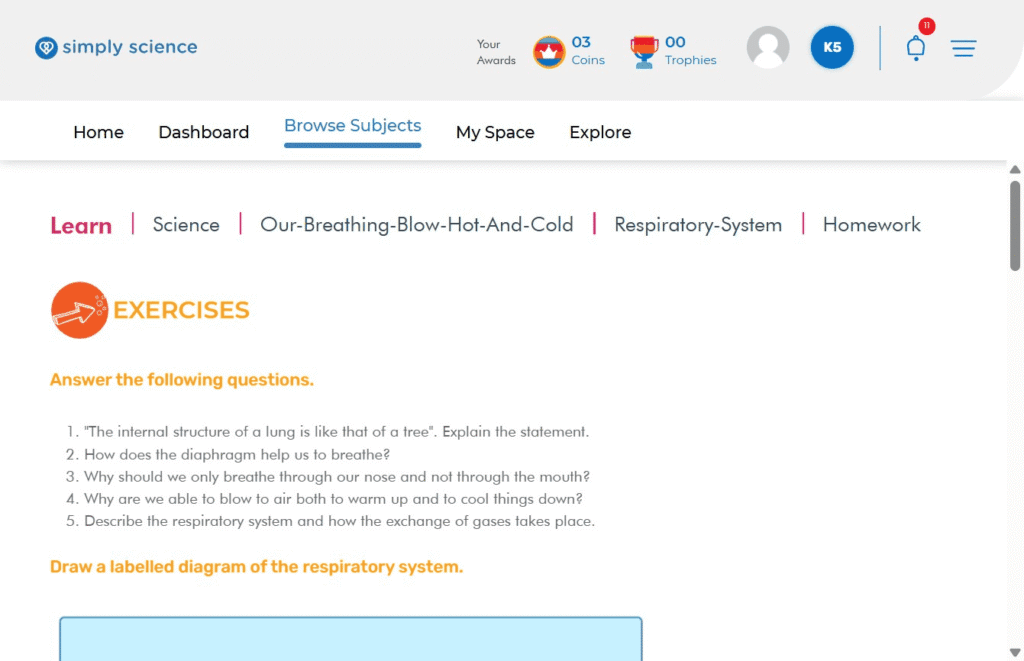
What you will see: Your practice worksheet will open up with fun questions, drawing activities, and prompts!
Purpose: Opens the exact set of practice questions matching the lesson you just studied.
💡 Classroom Note: Practicing these questions at home builds your confidence so you can ace group activities and digital board challenges in class!