

For any Physical Education teacher, sports coach, or athletic director, explaining a complex play on a standard whiteboard or drawing a messy court diagram freehand can be frustrating. Students often struggle to visualize positioning when lines are out of proportion.
The WBiPro interactive whiteboard changes that completely by embedding pre-loaded Sports Field Templates directly into your teaching toolkit. Whether you are breaking down a last-second basketball set play or explaining court rotation in badminton, you can project professional, regulation-accurate layouts instantly on any gym wall or classroom screen.
Supported Sports Templates & Practical Coaching Applications
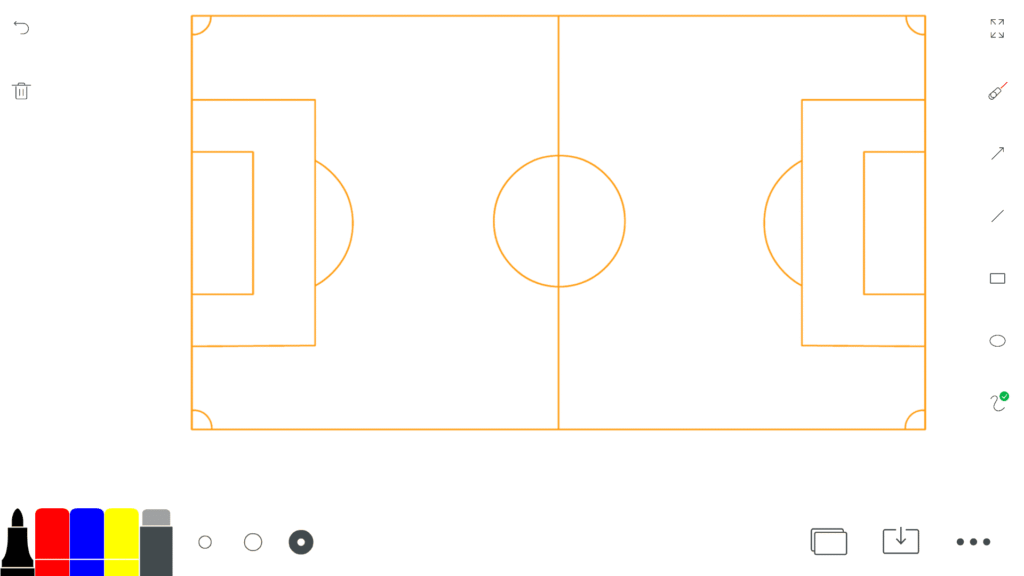
1. Soccer Pitch Layout
- Tactical Positioning: Project full or half-pitch layouts to demonstrate team formations, pressing structures, and set-piece strategies.
- Passing & Movement Drills: Use the ePen to map out overlapping runs, defensive lines, and spatial awareness during practice walkthroughs.
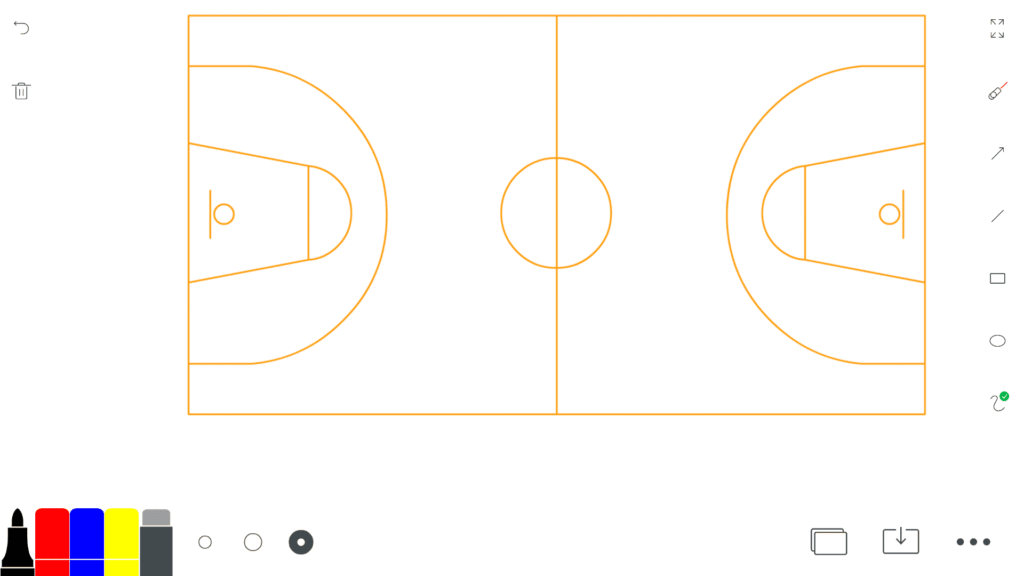
2. Basketball Court Layout
- Fast Breaks & Defensive Rotations: Map out full-court press strategies, pick-and-roll positioning, or zone defense rotations with crystal-clear court markings.
- Visualizing Spacing: Use different ePen stroke colors to show player passing lanes versus cutting paths so players can instantly grasp floor spacing.
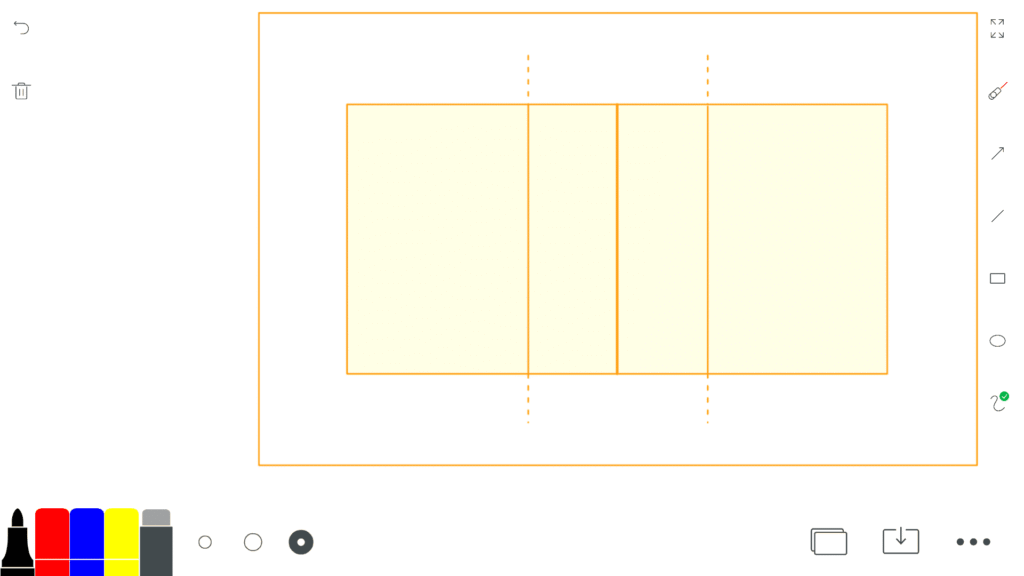
3. Volleyball Court Layout
- Rotation & Service Reception: Instantly load the volleyball court to teach proper base positions, rotational overlap rules, and defensive sliding.
- Attack Strategies: Map out setter dumps, quick middle plays, and back-row attack patterns visually for the team.
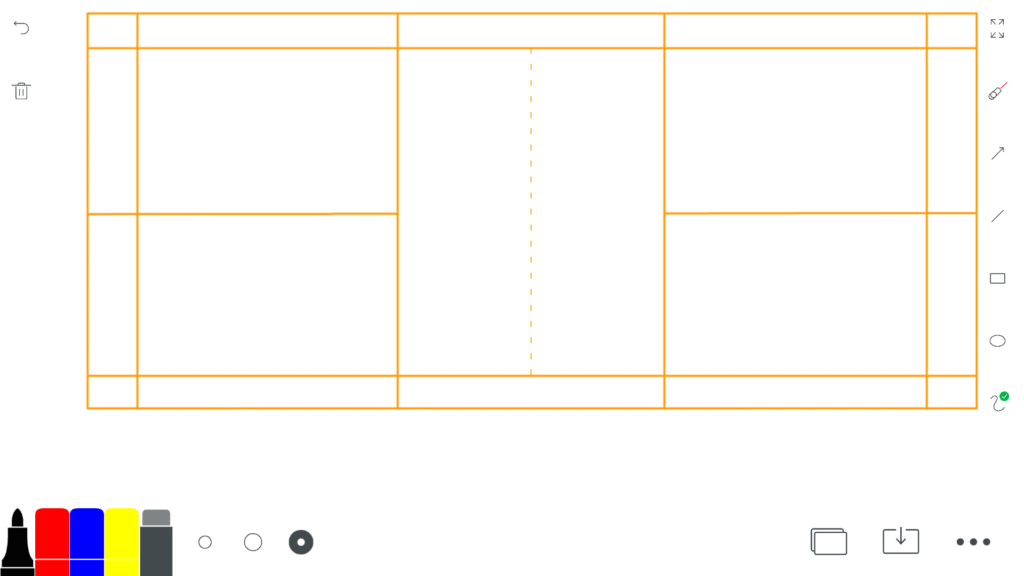
4. Badminton & Court Sports Layouts
- Doubles Positioning: Instantly load the badminton court template to demonstrate front-and-back or side-by-side defensive formations.
- Drill Execution: Clearly mark shuttle placement zones, serving targets, and footwork patterns for junior athletes.
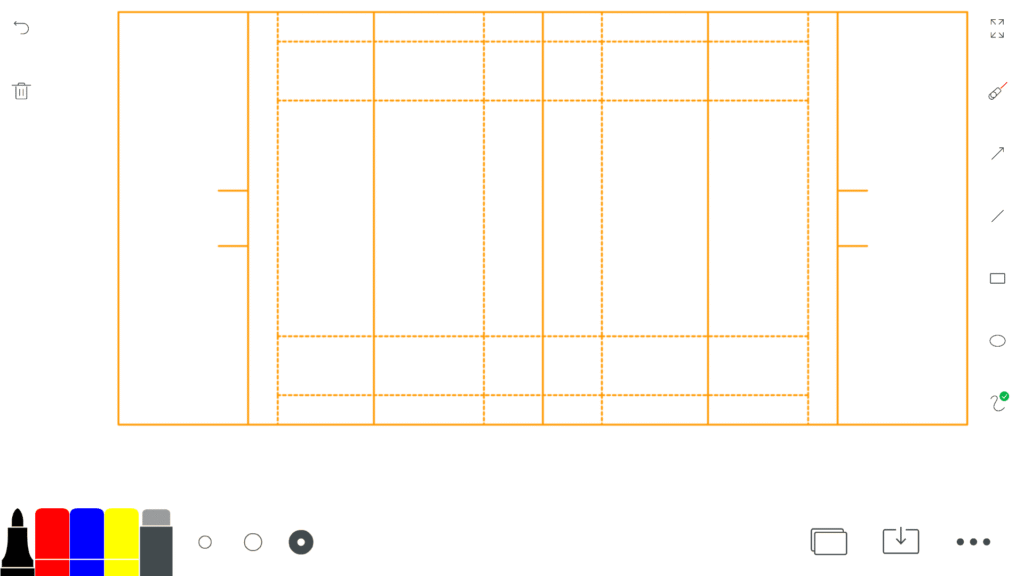
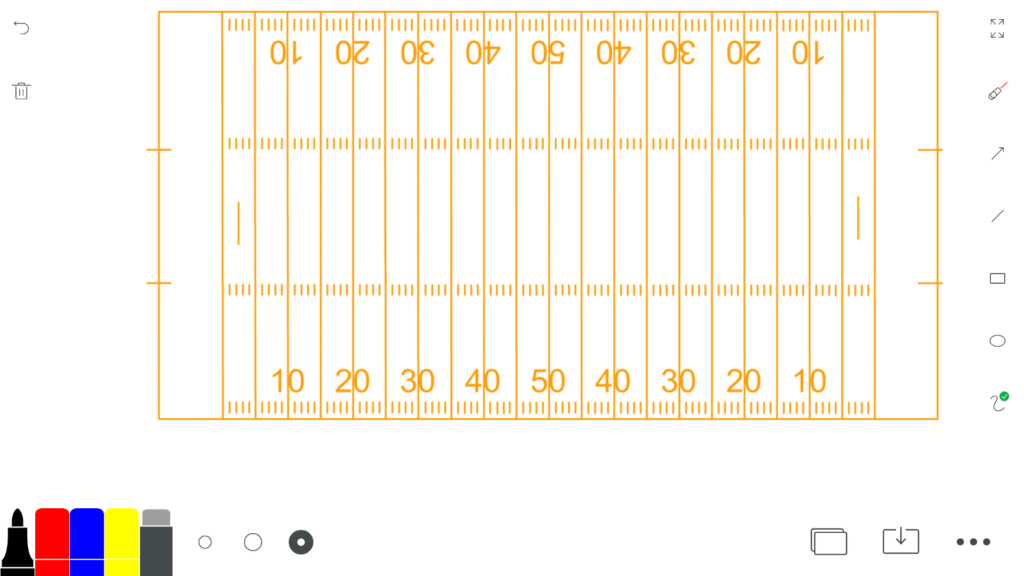
5. Rugby & American Football Field Layouts
- Playbook Walk-Throughs: Project full-pitch templates to map out complex backline moves, defensive lines, and special team formations.
- Strategic Planning: Use the non-marking pointer mode to trace running lines and offensive gaps without cluttering your tactical drawings.
How to Load and Use Sports Templates in Class
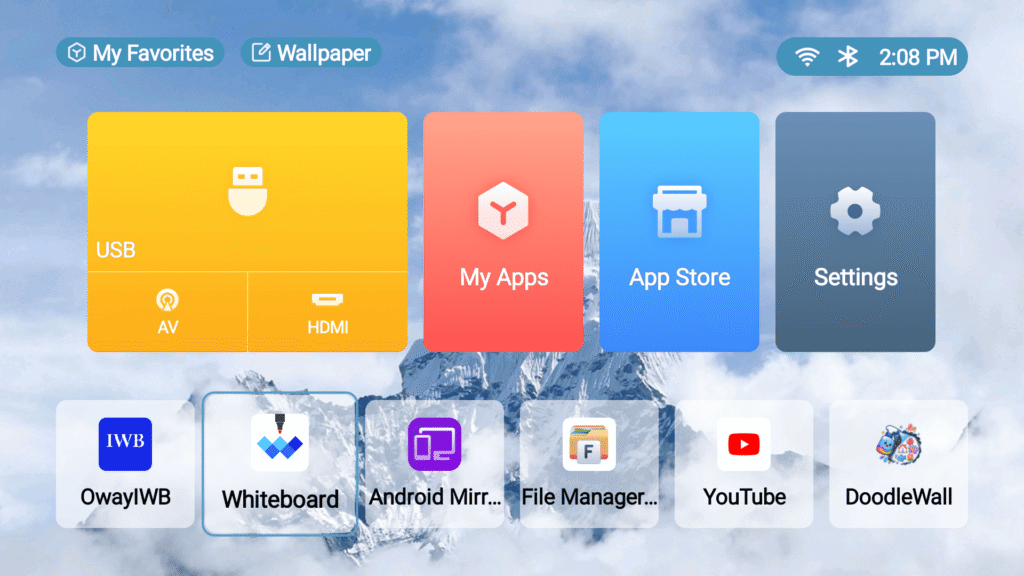
- Open the Board Workspace: Launch the native whiteboard suite on your WBiPro system.
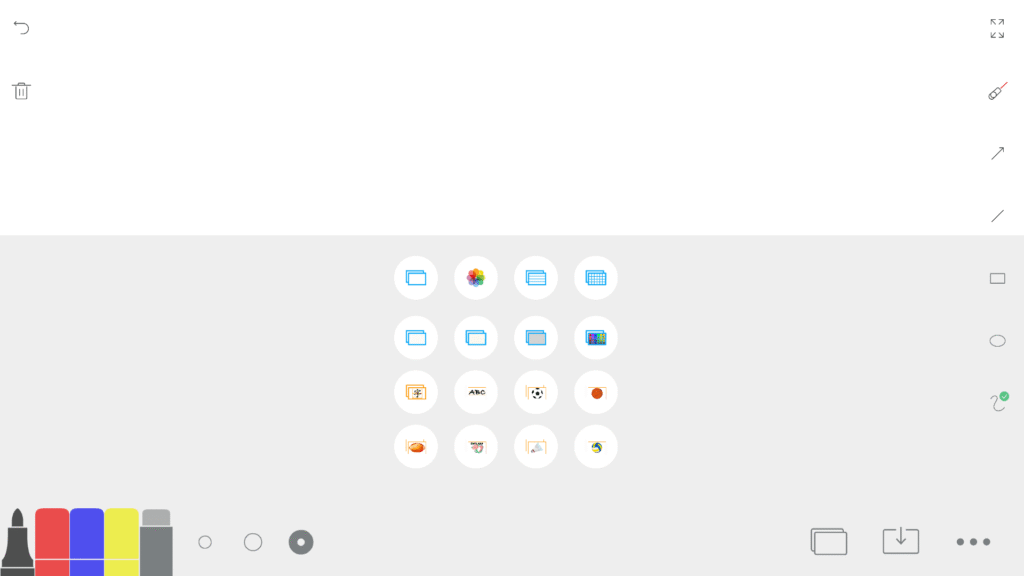
- Select the Template Menu: Navigate to the background options by tapping the bottom right menu button (3 dots) and choose your desired sport layout (soccer, basketball, volleyball, badminton, rugby, or American football).
- Draw and Annotate: Use the active ePen to sketch plays, drop geometric shapes for cones or zones, and save your custom tactical session for future classes.
Sports Template Gallery
Frequently Asked Questions
Which sports field templates are pre-installed on the WBiPro whiteboard?
The system includes pre-built tactical templates for soccer, basketball, volleyball, badminton, rugby, and American football.
Can I draw over the sports field templates without ruining the background layout?
Yes. The templates serve as a fixed background layer, allowing you to draw, sketch plays, and erase annotations using the ePen without altering or wiping out the field lines.
Do I need an internet connection to load sports field templates during practice?
No. The sports templates are built directly into the native offline whiteboard suite, making them instantly accessible anywhere in the gym or training room.
Can I save my tactical drawings and annotations on the sports templates?
Yes. You can save your customized sessions directly to local storage as workspace files, allowing you to re-open, review, or build upon your playbook designs in future coaching sessions.