
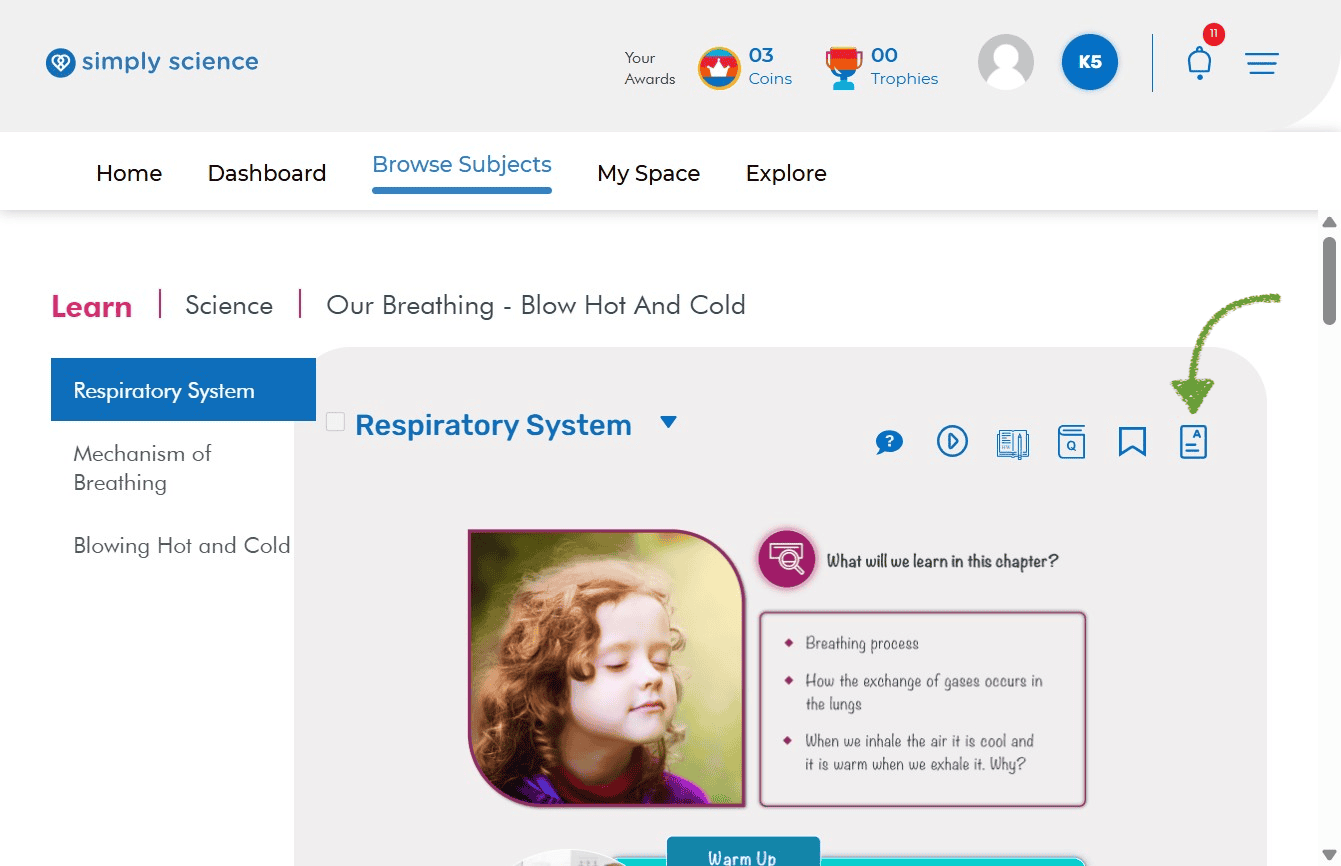
Before wrapping up a lesson or preparing students for an assessment, reviewing core takeaways ensures no critical learning gaps remain. On the Simply Science Teacher Portal, educators can instantly access Key Concepts—a consolidated hub featuring chapter summaries, supplementary notes, and essential science vocabulary—to streamline classroom review sessions and reinforce key learning objectives.
Quick Summary
Click the Key Concepts icon in the top-right toolbar of any topic page to open structured chapter summaries, Top-Up facts, and glossary definitions for lesson wrap-ups or revision sessions.
Step 1: Open the Key Concepts Summary Page
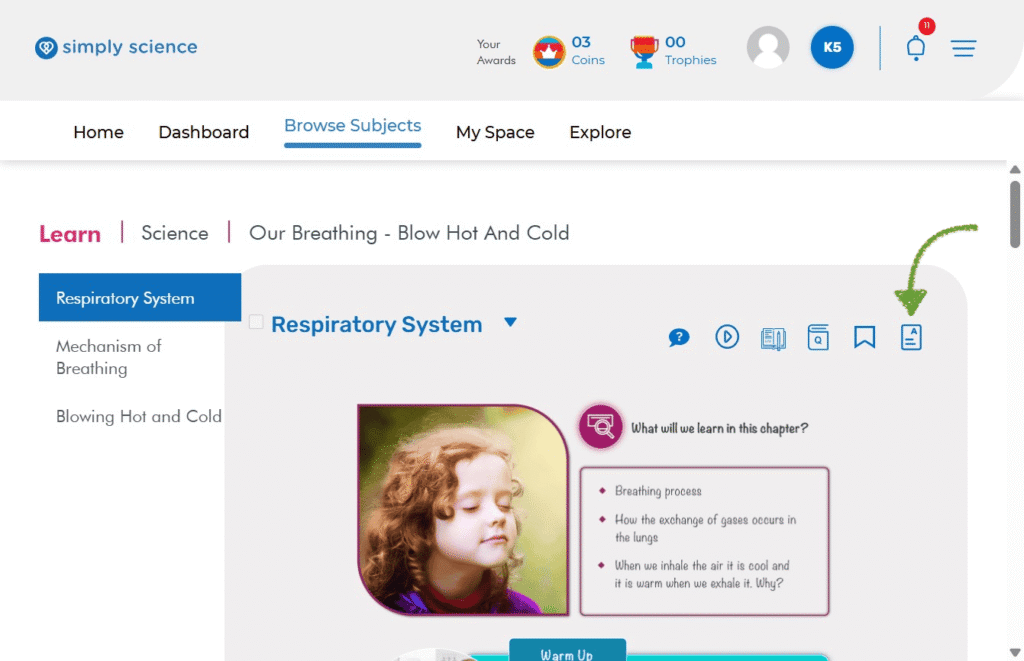
Navigate to your active topic page to access the chapter’s high-level learning summary.
Action: Click the Key Concepts Icon (the document page icon with text lines and an “A”) located in the top-right toolbar next to the Bookmark icon.
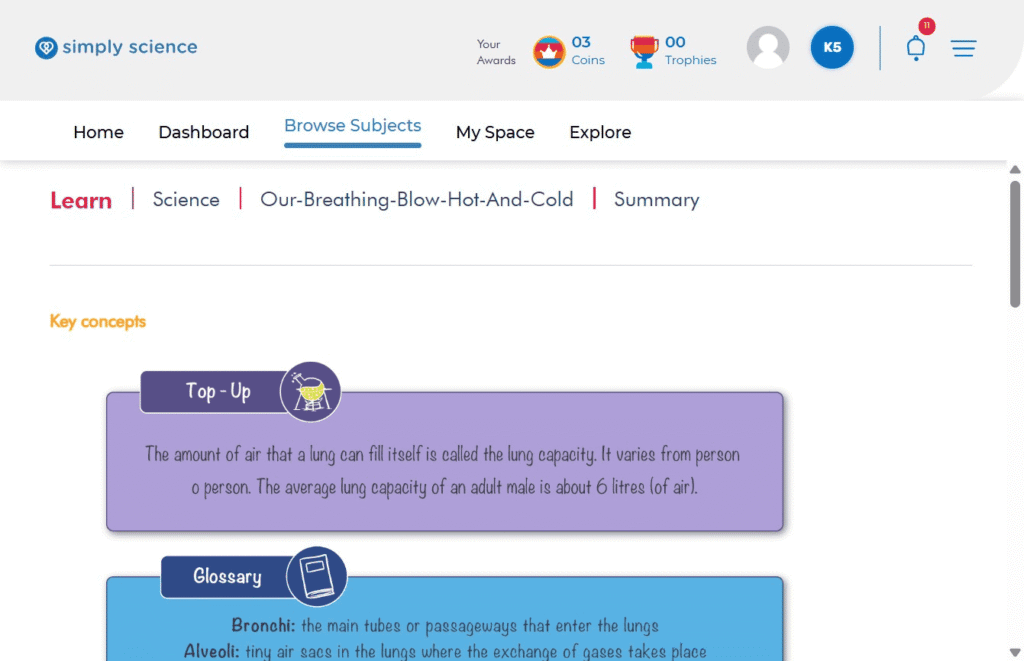
What you will see: You will be redirected directly to the chapter’s consolidated Summary page.
Purpose: Provides a comprehensive, single-page overview of all main takeaways and key ideas within the chapter.
Step 2: Utilize Chapter Summary Cards and Glossary Terms
Use structured content cards to lead classroom discussions, highlight vocabulary, or assign targeted quick-reviews.
Action: Scroll down the Summary page to view the organized instructional cards.
What you will see: Categorised learning cards, including Top-Up cards for supplementary scientific facts and Glossary cards defining key terminology (such as Bronchi and Alveoli).
Purpose: Equips teachers with concise definitions and core facts ready to project on-screen for whole-class recap or pre-test review.
📌 Educator Note: Projecting the Glossary and Top-Up cards onto your digital board or WBiPro interactive smart projector serves as an excellent warm-up or lesson closure activity to check for understanding.