
Practice questions and exercise sets allow educators to reinforce key learning objectives following a lesson. On the Simply Science Teacher Portal, exercise sets are organized directly alongside lesson topics, providing immediate access to practice items for in-class activities, homework, or formative assessment review.
Quick Summary
Navigate to your target lesson topic page, click the Exercise tab, and access structured practice sets ready for guided instruction or individual student review.
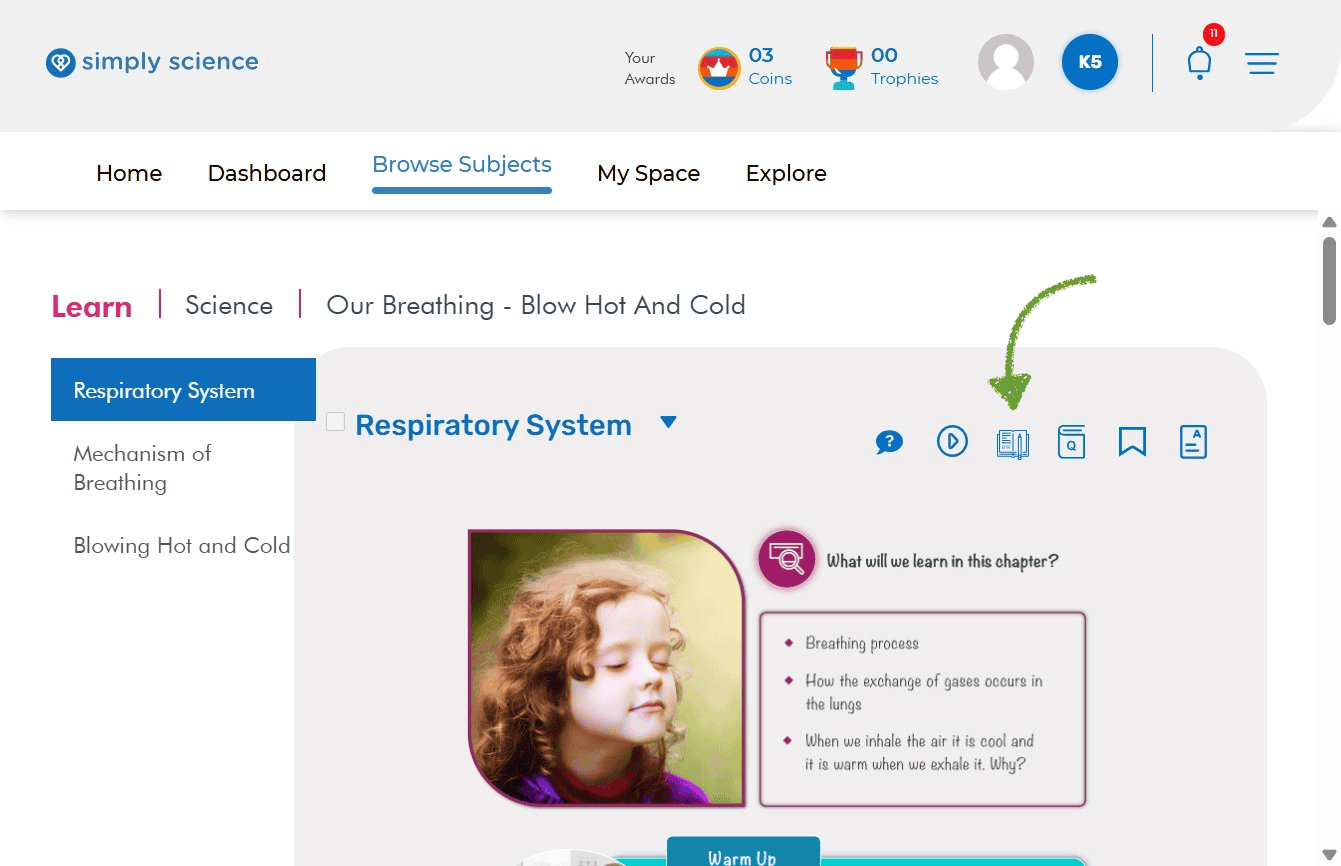
Step 1: Open Your Target Lesson Page
Select the specific topic you are teaching to view its corresponding practice resources.
Action: Go to Browse Subjects, pick your subject and chapter, and click on your target topic page.
What you will see: The main lesson workspace containing concept cards, visual diagrams, and resource tabs.
Purpose: Sets the curriculum context to pull relevant topic exercises.
Step 2: Access the Exercise Tab
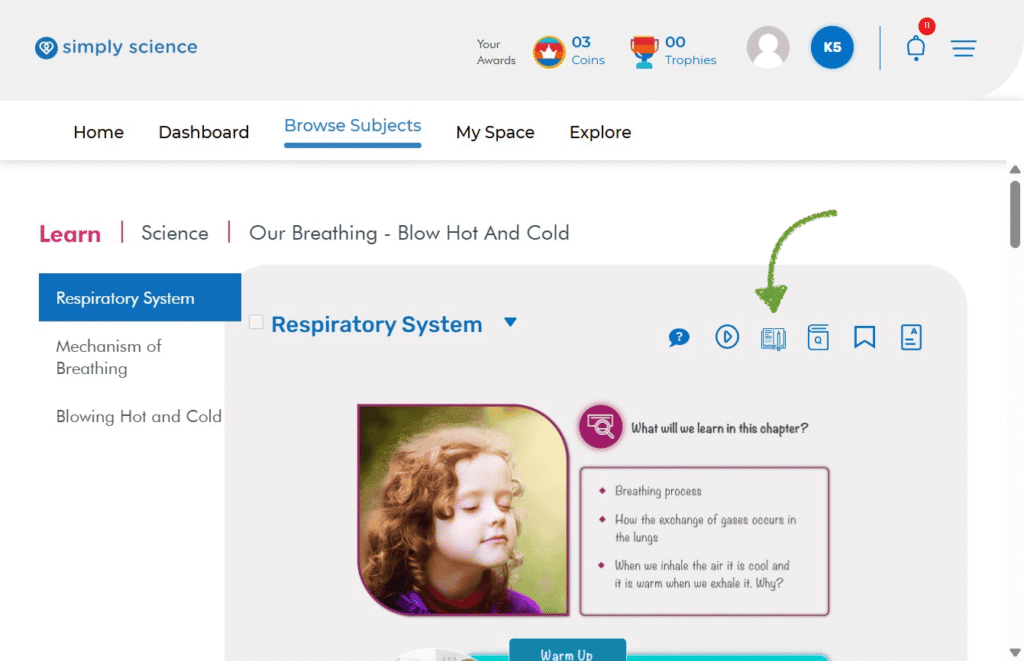
Locate the practice tab within the top action toolbar of your lesson page.
Action: Click on the Exercise tab (or exercise icon) in the lesson header.
What you will see: A list or modal displaying the available exercise sets for that specific topic (e.g., Exercise 1, Exercise 2, or Advanced Drills).
Purpose: Opens the topic’s bank of practice questions for teacher review and selection.
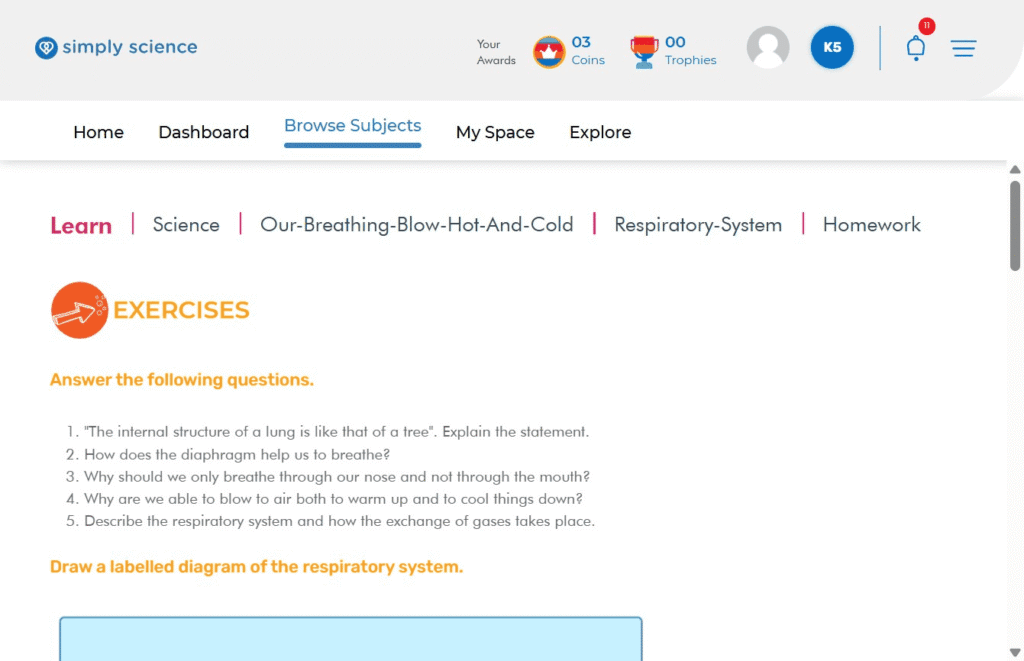
📌 Educator Note: You can display exercise sets on your digital board or WBiPro interactive smart projector for engaging, whole-class participation before assigning individual homework.