
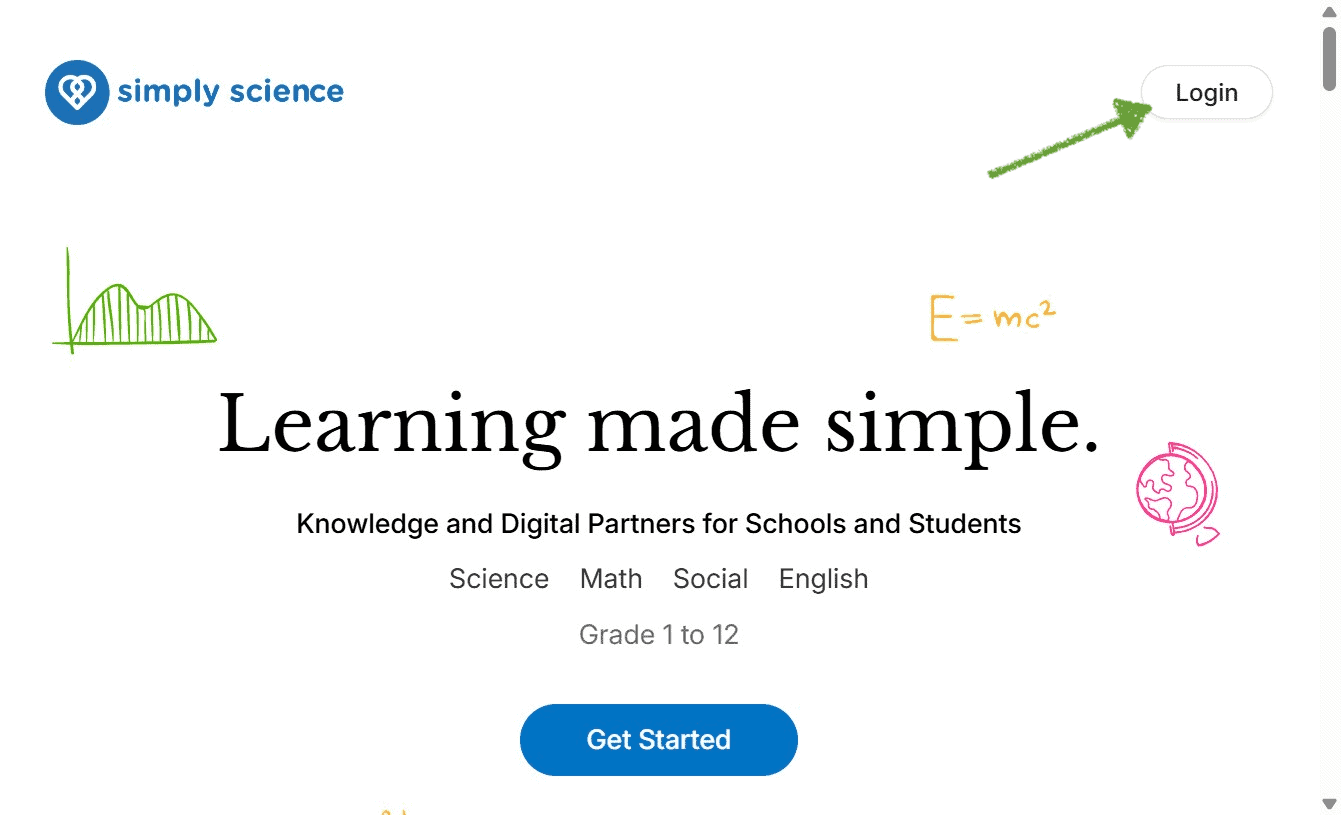
Welcome to the Simply Science Teacher Portal. This guide walks educators through accessing the platform, authenticating instructor credentials, and launching the central teaching dashboard to manage classes, assign assessments, and monitor student performance.
Quick Summary
Learn how to navigate to the institutional domain, log in securely with teacher credentials, and access your instructor control center.
Step 1: Navigate to the Platform
Open any modern web browser on your computer, tablet, or classroom device.
Compatibility: Simply Science is fully web-based and optimized for all Wi-Fi-enabled devices, including interactive digital boards, laptops, tablets, and smartphones.
Action: Enter your school’s dedicated Simply Science URL (provided by your school administrator or ICT coordinator) into the address bar.
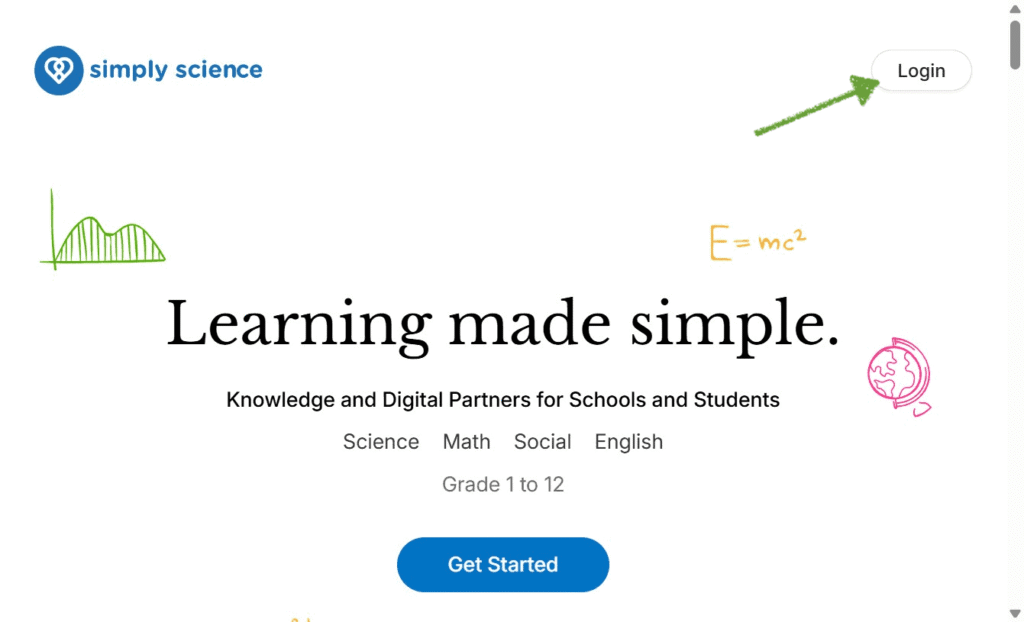
Step 2: Enter Your Instructor Credentials
Once on the landing page, proceed to authenticate your account.
Input your User ID and Password assigned by your school administrator.
Click Sign In at the top right of the screen.
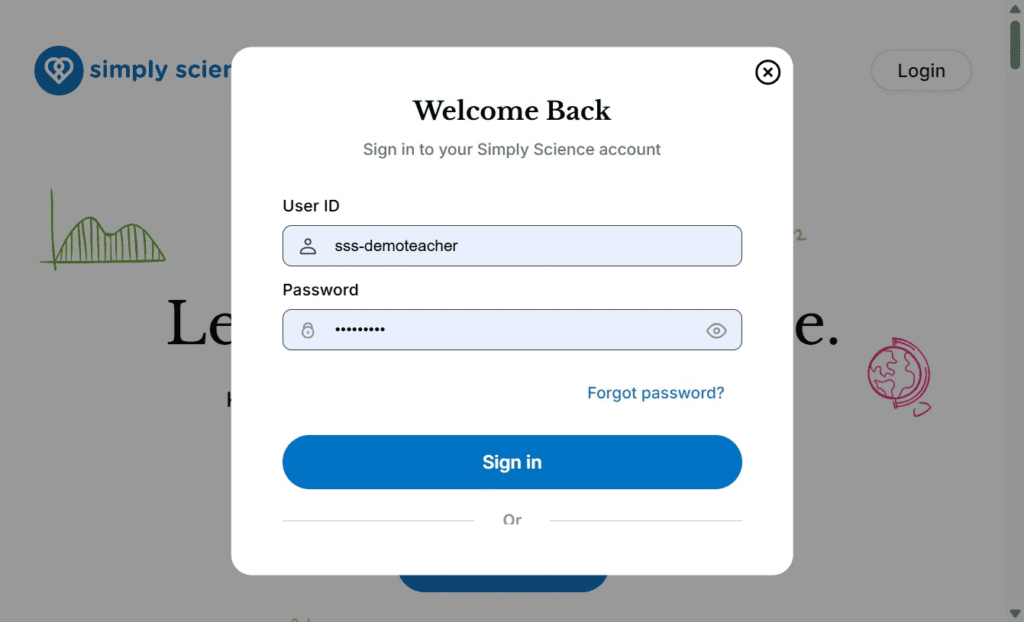
📌 Educator Note: If you are logging into a shared classroom computer, interactive smart projector or digital board, ensure you log out at the end of your session to maintain student data privacy and security