
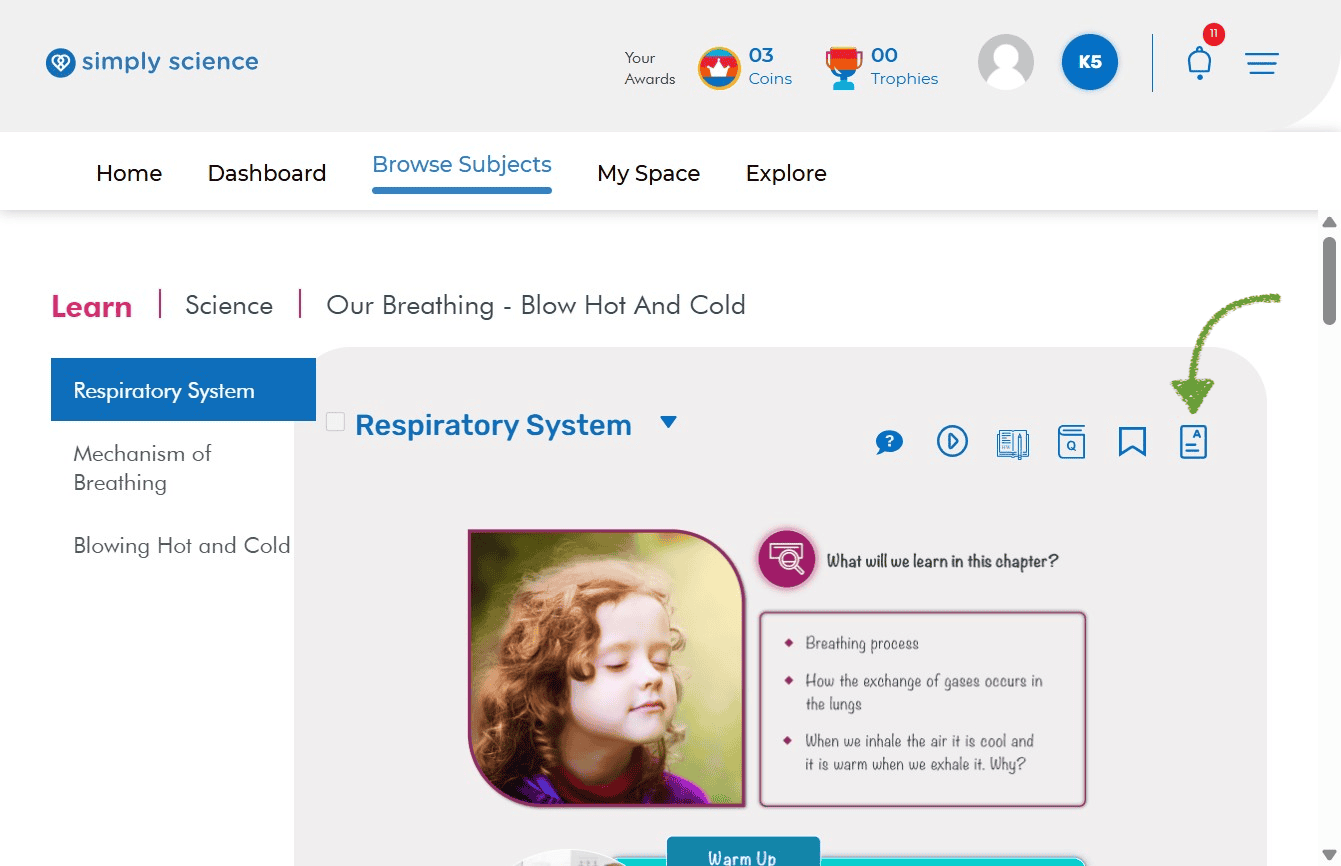
Need a quick refresher before a quiz or classroom challenge? Key Concepts give you the most important facts from each chapter in super easy, bite-sized summaries!
Follow these two quick steps to open your chapter summaries and glossary terms.
Step 1: Click the Key Concepts Icon
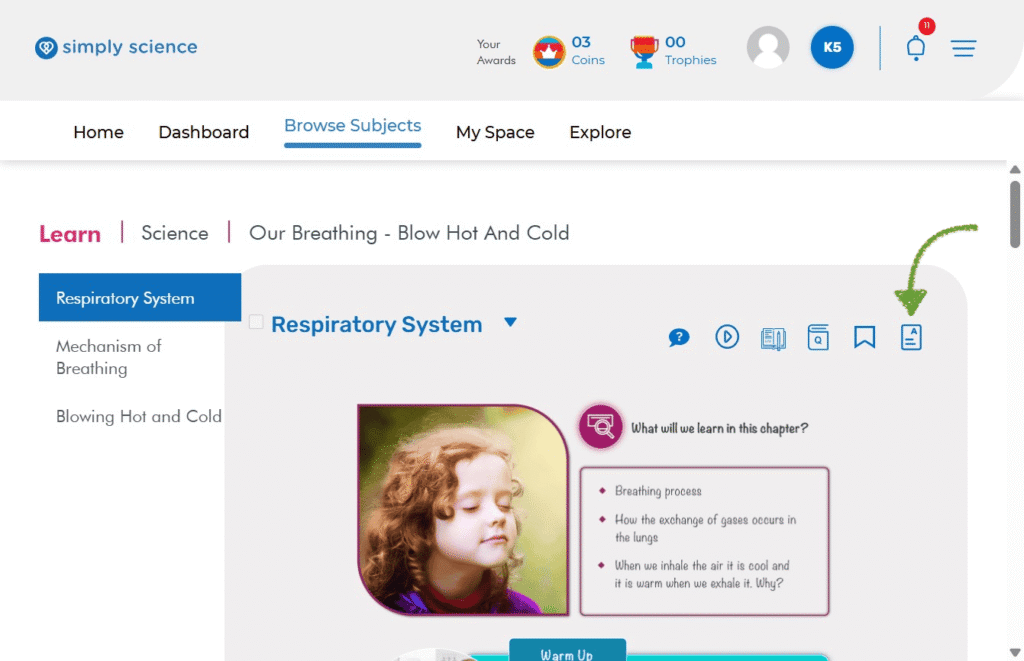
Look near the top-right corner of your topic page, right next to the Bookmark icon.
Action: Click the Key Concepts Icon (the document page with lines and an “A”).
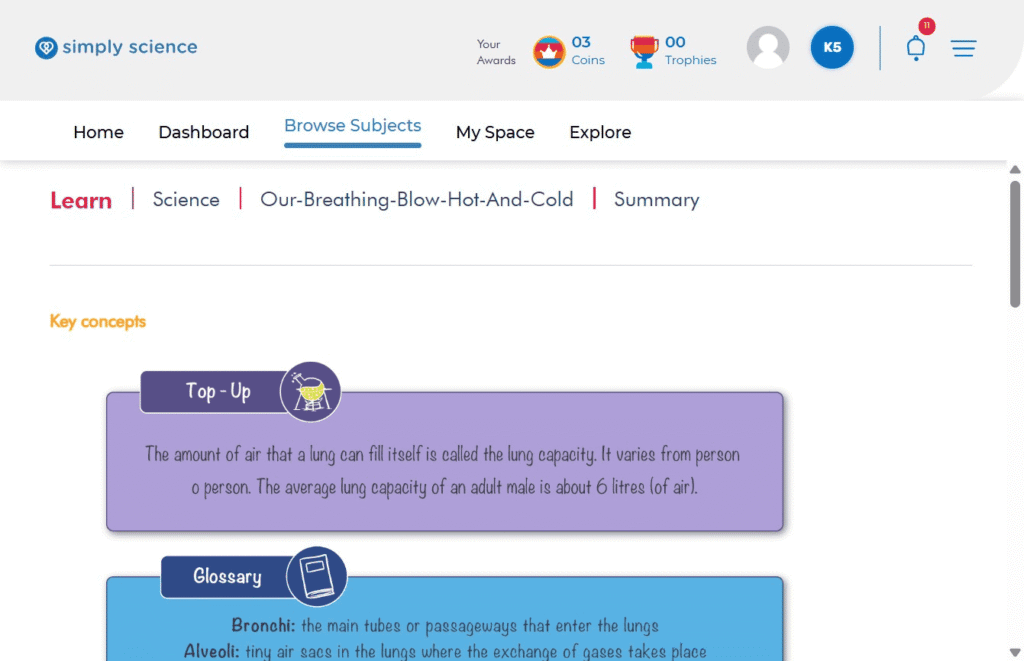
What you will see: You will be taken straight to the chapter’s summary page.
Purpose: Gives you a fast, complete overview of all the big ideas in the chapter!
Step 2: Read Your Chapter Summary Cards
Now you can review key science facts, definitions, and extra tips!
Action: Scroll down the Summary page to explore the colorful cards.
What you will see: Easy-to-read cards like Top-Up notes for extra facts and Glossary cards with big science word definitions (like Bronchi and Alveoli).
💡 Classroom Note: Reviewing Key Concepts before class is like having a cheat code—it helps you answer questions fast on the digital board during group study!