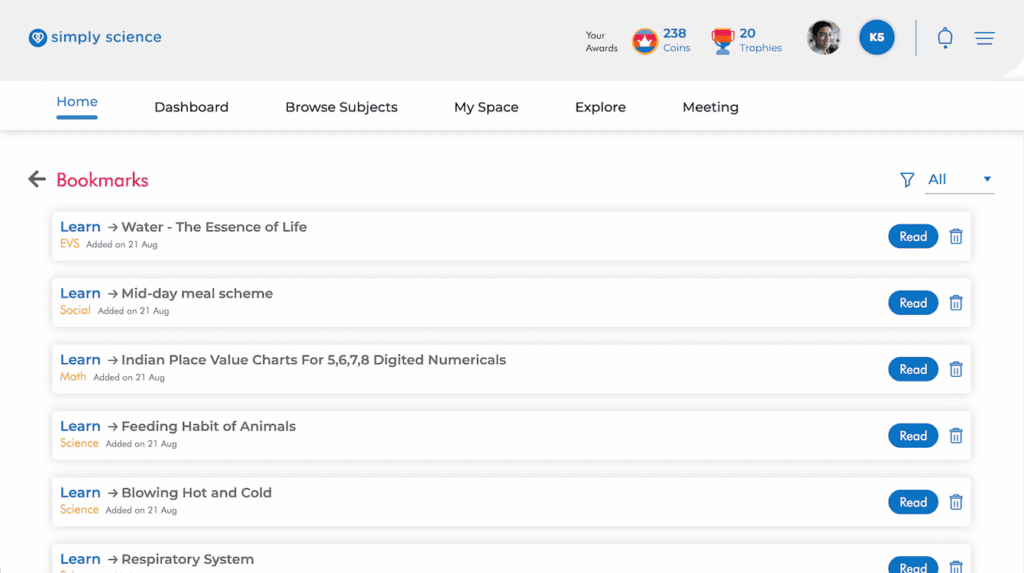
Found an awesome science topic you want to read again later? Bookmarking helps you save your favorite lessons so you can jump right back to them anytime without searching!
Follow this easy step to save your lesson pages in a single click.
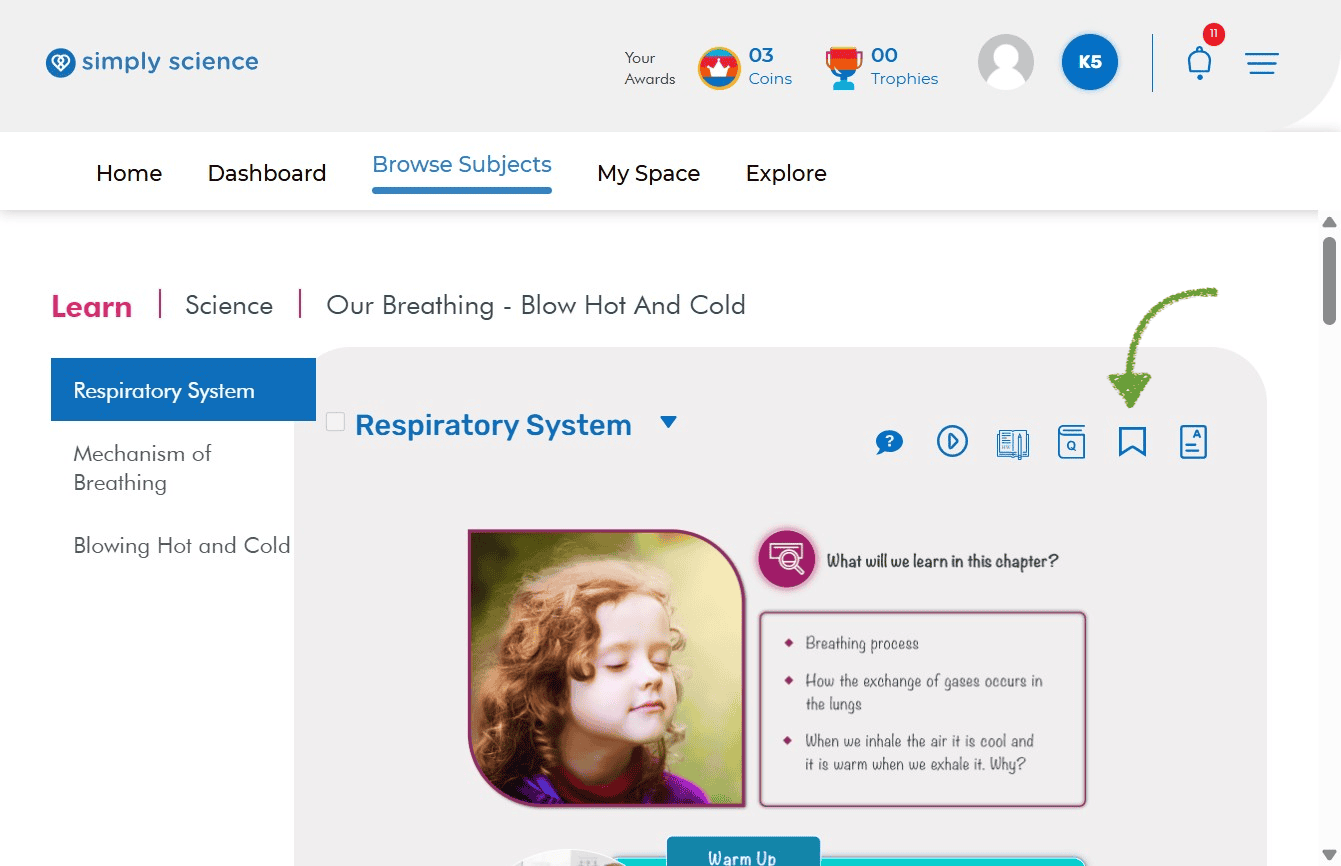
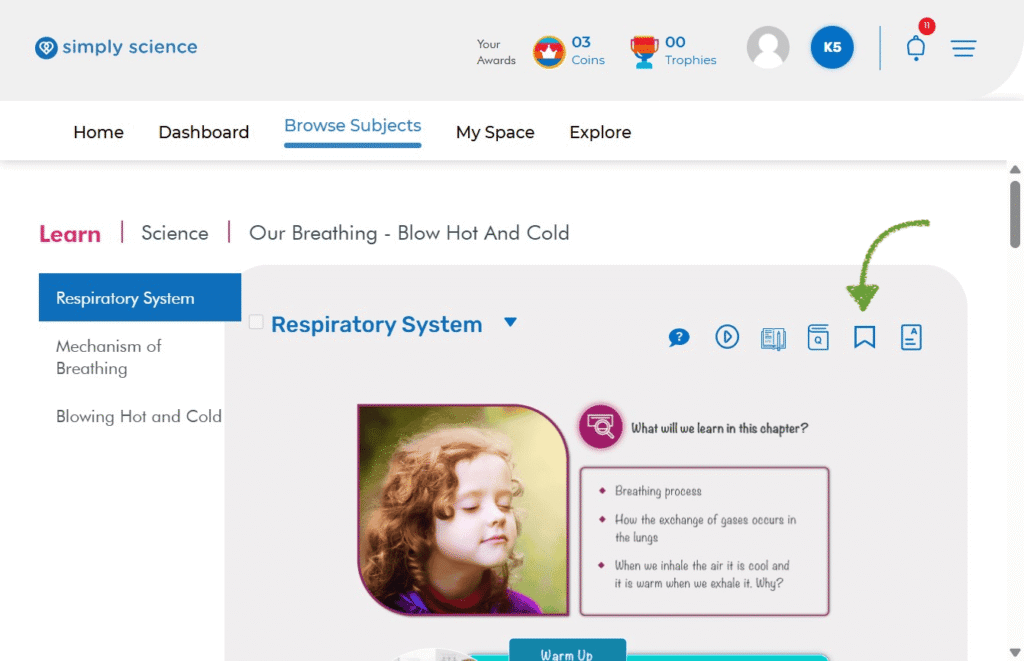
Step 1: Click the Bookmark Ribbon Icon
When you are on any topic page you love, look at the top-right corner next to your topic title.
Action: Click the Bookmark Icon (the blue ribbon outline).
Purpose: Keeps your favorite topics organized so you can quickly review them before class or study sessions
What you will see: The icon saves the page to your personal saved list!
💡 Classroom Note: Bookmark the topics your teacher covers during class so you can quickly pull them up at home for fast revision!